Why It’s Different
Privacy and Control
Your family health information stays yours. You decide who sees it.

Who it’s for
Sound familiar?
You, if you’ve ever gotten one of those “your password was found in a data breach” emails and immediately thought, “Not with Dad’s medical stuff.”
You, if you’ve opened a privacy policy, made it through three paragraphs, and still had no idea what they were actually telling you.
You, if “trust us” is not enough when it comes to family health information.
You, if you want to know who can see what, who changed what, and whether you can shut access down when you need to.
The problem
Caregiving means holding someone else’s most private information: their medications, diagnoses, insurance and end-of-life wishes.
A lot of apps make you hand over personal information without really telling you what happens to it.
And with family caregiving, privacy isn’t just about hackers or strangers. Sometimes it’s about who in the family can see or change what.
What you can do
Stay in control of your family health information.
Choose who’s in.
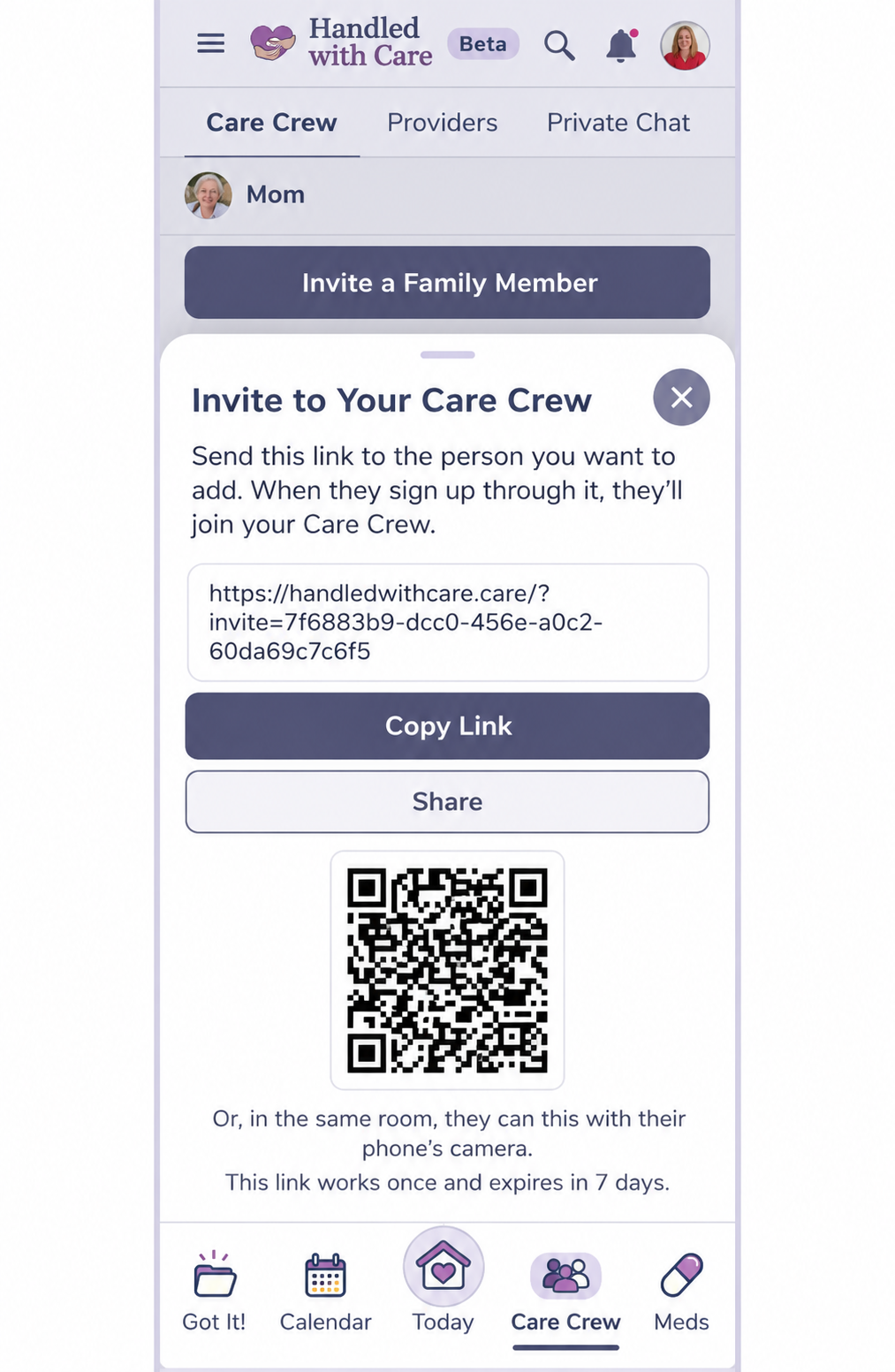
Only the people you invite to your Care Crew can see your loved one’s information in the app.
Keep some things just yours.
Check-ins and Private Chat are private, even from the coordinator.
Protect what matters most from mistakes.
Only the coordinator, or whoever covers their break, can change code status, and every change is recorded with who and when. Removing an allergy takes a reason, tells the Care Crew, and can be put back for 90 days.
Lock it down.
Turn on two-factor sign-in for a second lock after your password. Recovery codes get you back in if you lose your phone, and you’re emailed if one is used.
Keep your lock screen quiet.
Lock screen notifications hide the details, unless you choose to show them.
Say yes before AI touches anything.
Scanning and voice notes ask first, and you can turn them off any time. The app doesn’t keep the photo or recording, and it isn’t used to train AI.
No ads and no tracking.
We never sell your data.
Take it with you.
Download a copy of your Care Crew’s information any time, as a page you can open and print. No gobbledygook. Plain language.
Leave when you want.
Ask to delete your account any time.
How to use it
Your privacy controls are in your account.
Tap your picture at the top right.
Open Two-Factor Authentication to add the second lock, then save your recovery codes.
Open Notification Preferences to choose what shows on your lock screen.
Open AI Consent to turn scanning or voice notes on or off.
Use Download My Data any time you want a copy.
How it works with the rest of the app
Privacy isn’t a separate feature.
Every section follows the same rule: only your Care Crew can see it.
The Emergency Responder Sheet and Care Summary include only the medical basics. Personal notes like Getting to Know and routines are never printed.
Health information leaves the app only when you print or share it, or turn on a feature that sends it, like the calendar link or scanning.
Photo location data is removed from every photo before it’s saved.
Passwords that have shown up in a known data breach are refused.
How it’s different
Many health apps treat privacy as fine print. We put it on the front page.
It was built by a nurse who has spent a career protecting patient privacy, and who knows family situations can be complicated. So the app protects your person from strangers, and from mistakes inside the family too.
Common questions
You might be wondering.
Do you sell our information?
No. We do not sell your personal, health, or caregiving information.
Who can see my person’s information?
Only the people in your Care Crew can see it in the app.
Can the coordinator read my private messages?
No. Private Chat is only for the two people in it.
What happens if I ask to delete my account?
Your private information is deleted, like your check-ins and Private Chat. What you added for the Care Crew, like doses you logged, stays for them and shows as “Former member.” Requests are completed within 45 days.
Where can I read the full details?
Read our Privacy Policy and our Consumer Health Data Privacy Policy.
Your family’s information is personal.
You should know exactly what happens to it.
Try It for Free