Why It’s Different
Medications
A medication tracker for every pill, every dose, every refill. One list the whole family can see.
Who it’s for
Sound familiar?
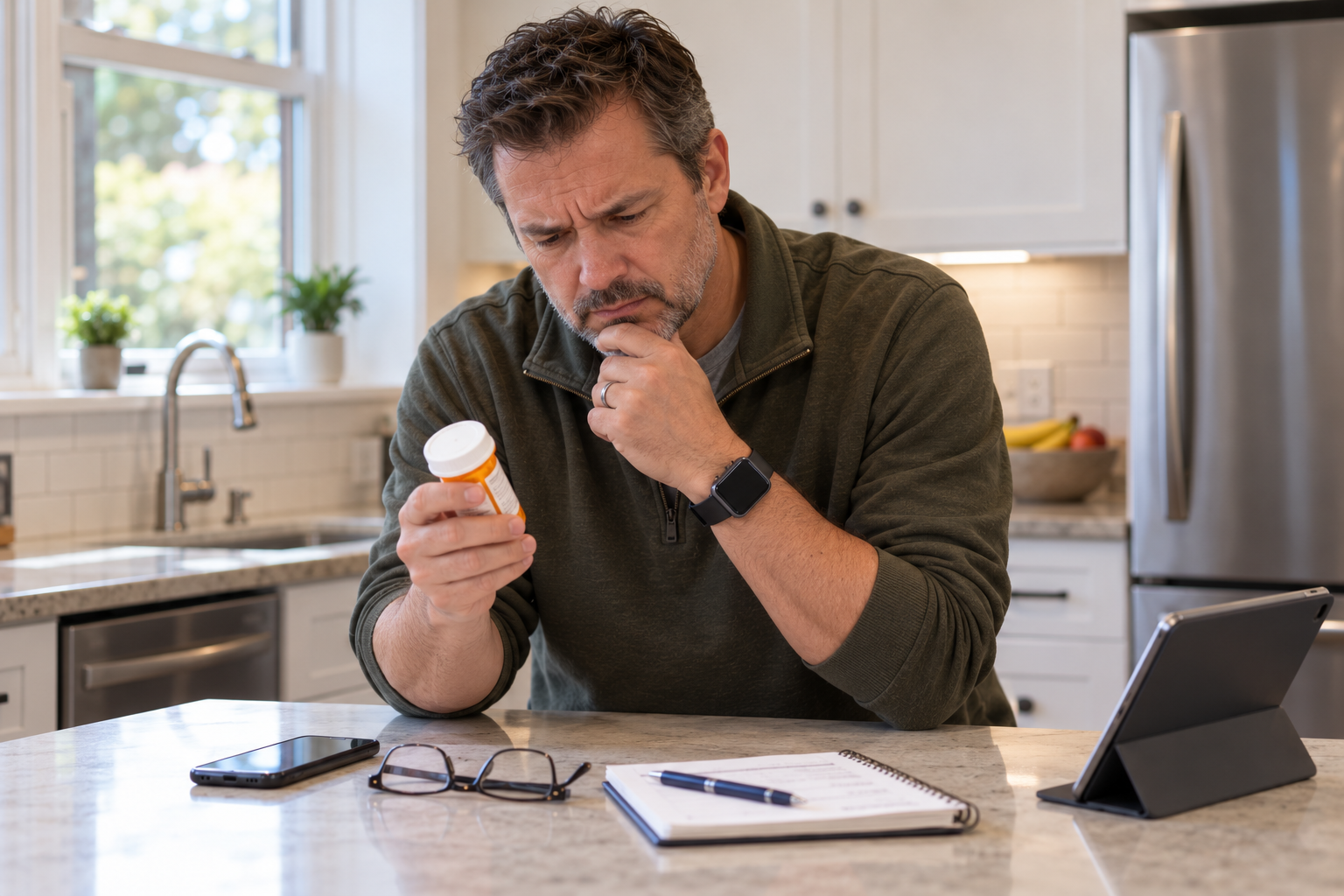
You, if you’ve ever stood in the kitchen holding a pill bottle and thought, “Wait. Did Dad already take this?”
You, if your sister said, “I gave Mom her meds,” after you’d already given them.
You, if you’ve opened the bottle and realized there are two pills left and nobody ordered the refill.
You, if you’ve ever stared at a medication list and thought, “Which one did they stop? Which one did they change?”
The problem
Medications are where caregiving gets scary.
A missed dose is a worry. A doubled dose can be dangerous. And the information is everywhere: on the bottles, in a notebook, in a group text, and in your head at 2 AM.
When more than one person helps, nobody knows what the others did. So you text. You call. You guess.
You shouldn’t have to guess.
What you can do
Know what was given, what’s next, and what’s running low.
See the whole list in one place.
Every medication, the dose, the times and why they take it.
Log a dose in one tap.
Tap the circle on the dose card. Everyone in the Care Crew sees it right away.
Say what happened.
If a dose wasn’t taken, add why: Refused, Asleep, Held per doctor, or a note of your own. The app shows who logged it, so there’s no “I thought you gave it.”
Get a heads-up before it’s a problem.
Log a dose more than 2 hours early and the app alerts you. As-needed medications show how many doses so far today, and the app warns you before you go past the daily limit.
Hear about a missed dose.
If a dose still isn’t logged an hour after its time, the Care Crew gets an alert, so someone can check.
Never run out by surprise.
Tap Refilled and enter how many you picked up. For tablets and capsules, the count goes down with each dose. Whoever handles refills gets a reminder a week before the refill date, and again when pills run low.
Know the right pill.
Add a photo of the pill and the label, so whoever’s helping knows exactly what it looks like.
Skip the typing.
With Premium, tap Scan a Bottle or List and take a picture. The app fills in the details for you to check before anything is saved.
Look back.
Medication History shows the last 30 days of doses and every change. Stopped medications move to Past Medications with their history, and you can restart one any time.
How to use it
Add a medication.
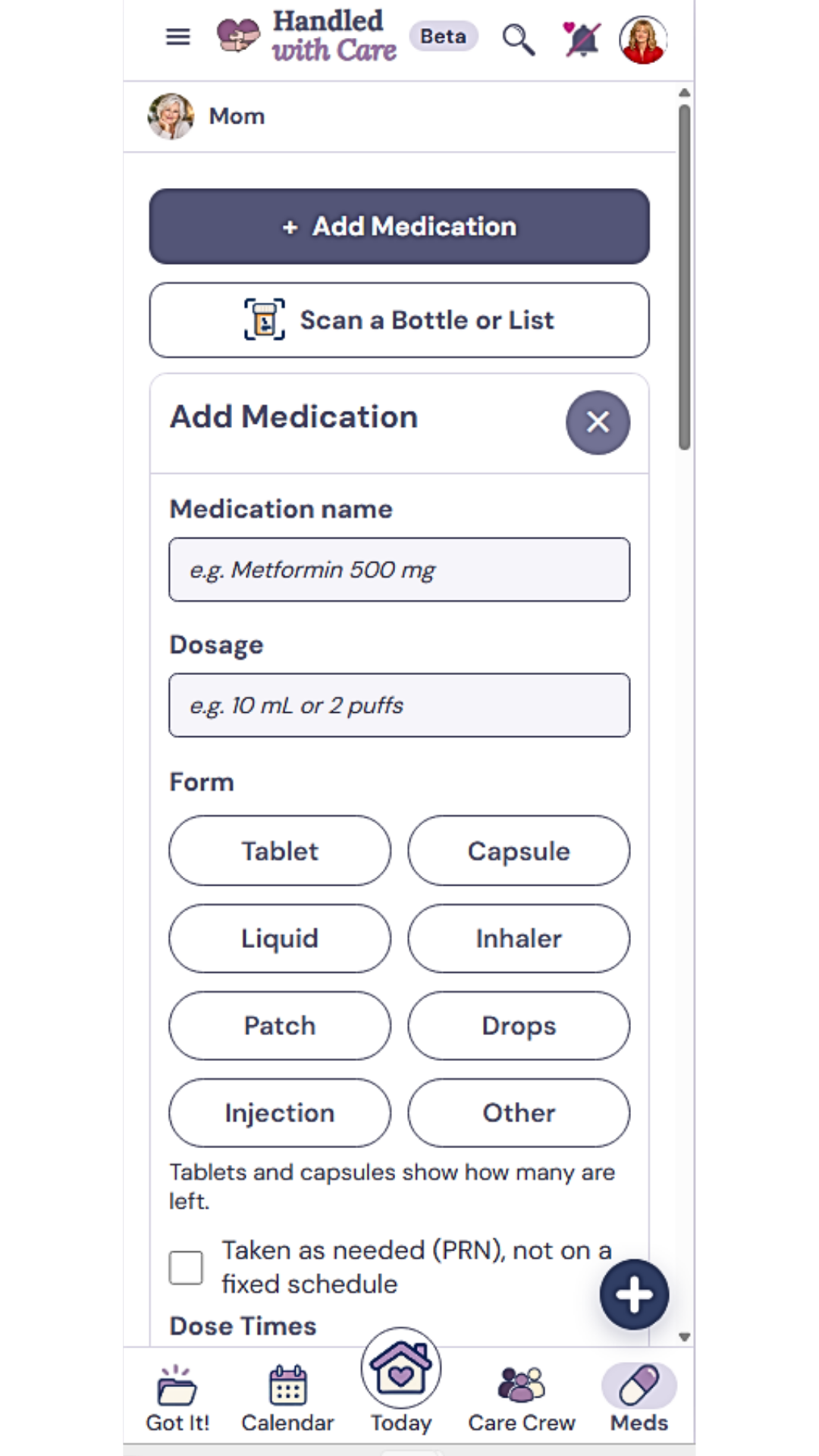
Tap Meds, then + Add Medication.
Type the name. Add the dose if you know it.
Tap the times it’s given, like 8:00 AM and 6:00 PM.
Tap Save. Everything else can wait for another day.
When it’s time, tap the circle on the dose card. Several due at once? Tap All Taken.
How it works with the rest of the app
The medication tracker doesn’t live by itself.
The medication list goes straight onto the Emergency Responder Sheet and Care Summary, with allergies first, right above it.
Since the Last Visit shows medication changes before the appointment, so you know what to tell the doctor.
Missed dose alerts reach the whole Care Crew, not just one person.
Everyone in the Care Crew sees the same list, the same changes and the same dose history.
How it’s different
Most medication tracker apps assume one person is managing one pillbox.
That is not how family caregiving works.
Dad takes his 6 PM pills with your brother. Mom refuses a dose with you. Your sister picks up the refill. Somebody changes a medication after an appointment, and suddenly three people are working from three different versions.
Handled with Care keeps everyone looking at the same medication list.
When your brother gives Dad his pills, you can see it. When Mom refuses a dose, the next person knows before they accidentally try again.
I built it because I have seen what happens when medication information gets lost in the handoff between people.
And the medication list is free. Always.
Because knowing what your person takes should never depend on whether you upgraded your plan.
Common questions
You might be wondering.
Who can see the medications?
Only your Care Crew can see them in the app. You decide when to print or share them, like for paramedics or a doctor. Read more about privacy and control.
What happens to the label photo when I scan?
It’s sent to an AI service to read the label. The photo isn’t kept, and it isn’t used to train anything.
Does it check for drug interactions?
No. Your pharmacist and doctor are the right people for that. Bring them your Care Summary.
What if we don’t know the exact dose times?
Add the medication anyway. You can fix the times later.
Does it work for as-needed medications?
Yes. Mark it as needed and set the daily limit. The app keeps count.
Is it really free?
Yes. Medications, dose logging, reminders, allergies and emergency information are free on every plan. Scanning a bottle label is Premium.
Stop wondering who gave what.
Keep the whole family looking at the same medication list.
Try It for Free