Why It’s Different
Got It!
When someone asks for emergency medical information, you’ll have it. In one tap.
Who it’s for
Sound familiar?
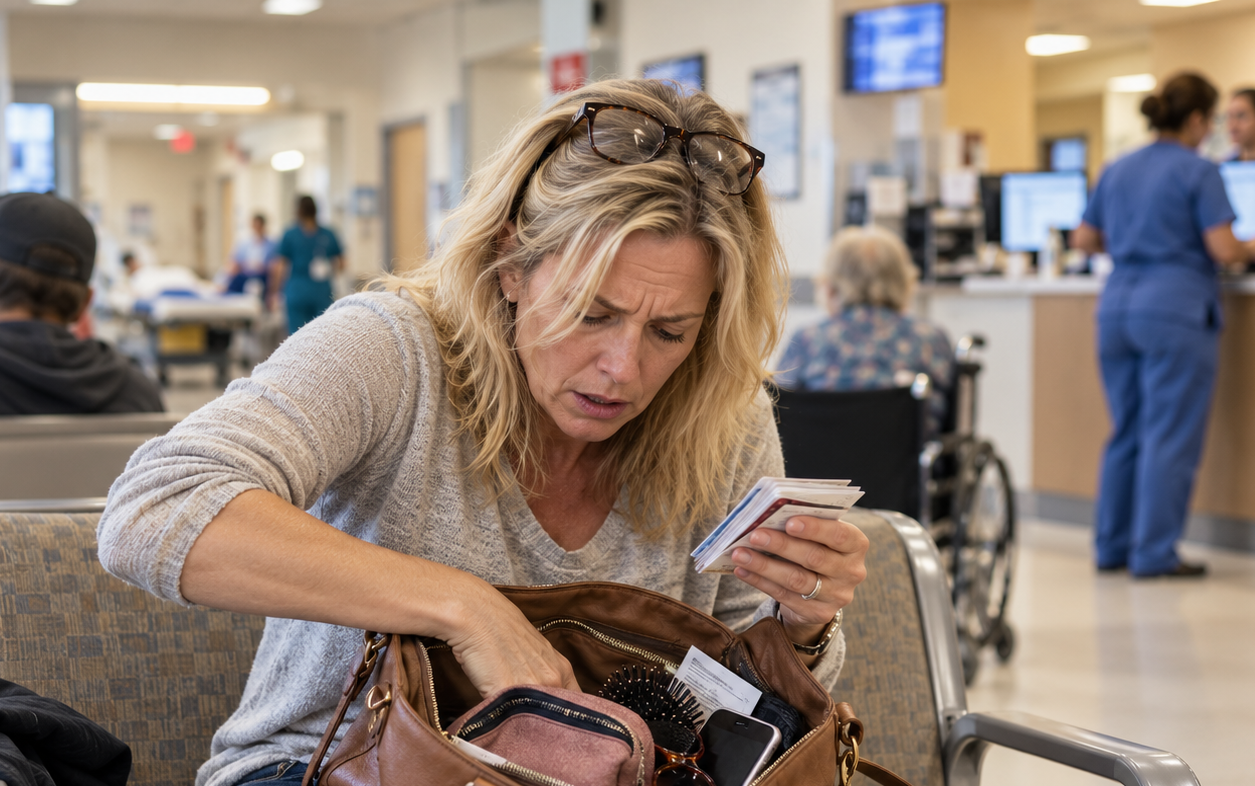
You, if you’ve ever stood at a hospital check-in desk while they asked for Mom’s insurance card, and you know you saw it last week.
You, if the paramedic asked, “Does he have a DNR?” and your mind went blank.
You, if the new doctor wanted a list of every medication and you started texting your brother for photos of the bottles.
You, if the papers are “somewhere in the blue folder” and the blue folder is somewhere in her house.
The problem
You just saw it. You know you did.
But the second someone asks, it’s gone. It’s in a drawer, a different purse, a photo buried under 400 others on your phone, or at your sister’s place.
And people only ask at the worst times: at the ER desk, in an exam room, or when you’re already scared.
What you can do
Their emergency medical information, one tap away.
Got It! is your person’s Health Folder: ten tiles, each one tap away.
The answers people ask for most.
Primary Doctor, Pharmacy, Conditions, Allergies, Insurance and Emergency Contacts each have their own tile.
Important papers, saved.
Add a photo or PDF of insurance cards, the healthcare power of attorney, the living will and the POLST. Anything else goes under Other Documents.
Open it or share it.
Open a document to show it, or share the file straight from the app.
Ready for 911.
One tap makes a one-page Emergency Responder Sheet with allergies, conditions, medications, code status and emergency contacts. Print it for the fridge or share it as a PDF. It also walks you through putting emergency medical information on your person’s phone lock screen.
A fridge sheet that stays current.
When medications or allergies change, the app tells you to print a new copy.
Hand the doctor the whole picture.
The Care Summary puts everything a new doctor or hospital needs on one page: doctors, pharmacy, insurance, medications, recently stopped medications and more. View it, print it or share it as a PDF.
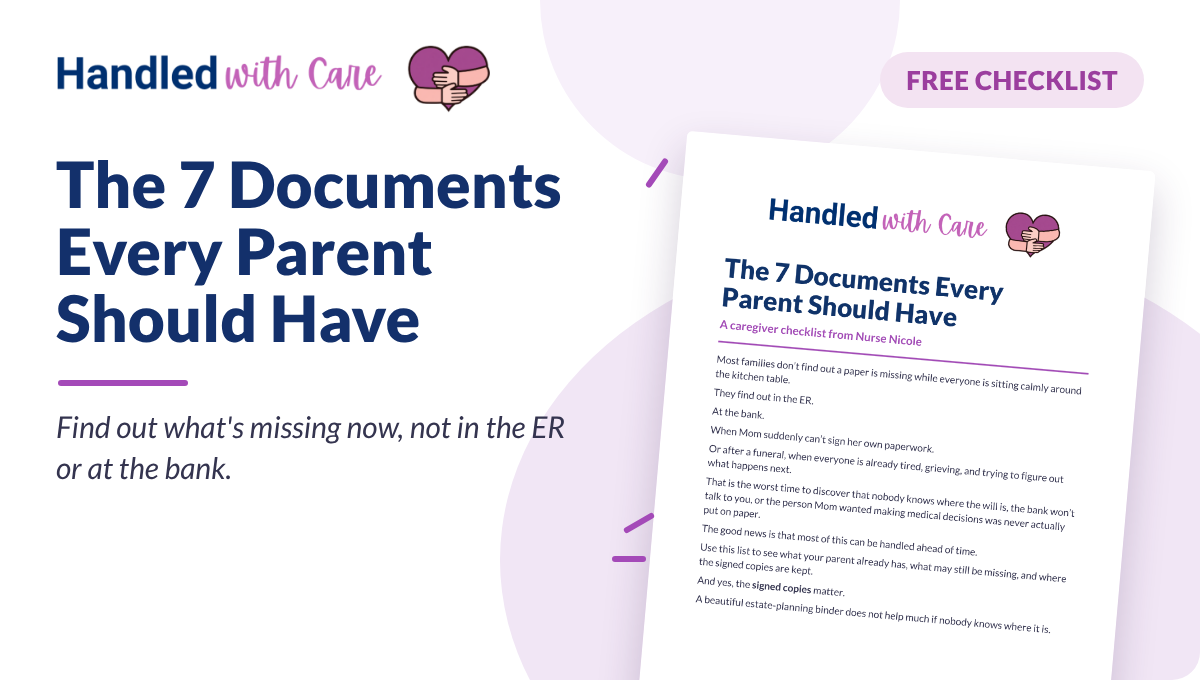
The 7 Documents Every Parent Should Have
Find out what’s missing now, not in the ER.
A nurse’s checklist for the will, powers of attorney, living will, HIPAA form, beneficiaries and trust, plus where the signed copies should live.
Get the Free ChecklistHow to use it
Add a document.
Tap Got It! at the bottom of the screen.
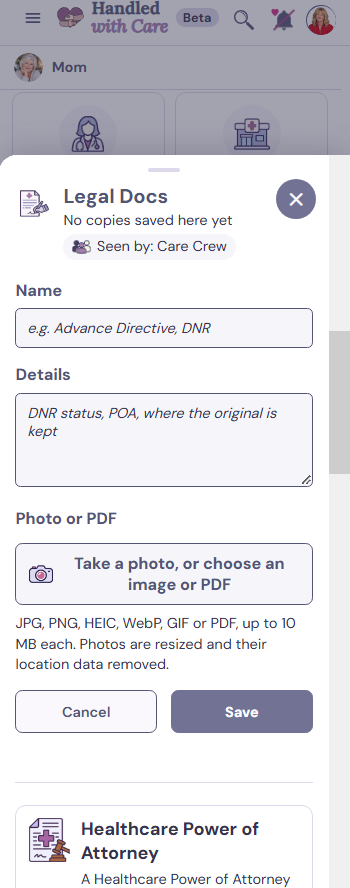
Tap Legal Docs or Insurance, or + Add a document under Other Documents.
Tap Add It, give it a name, and add a photo or PDF.
Tap Save.
Next time someone asks, tap Got It!, then the tile. Done.
How it works with the rest of the app
It connects to everything else.
The Emergency Responder Sheet and the Care Summary fill themselves in from what you’ve already entered.
Code status lives in Legal Docs. Only the coordinator, or whoever covers their break, can change it, and every change is recorded.
Bring the Care Summary to any appointment, straight from its Before You Go list.
How it’s different
Most apps give you a place to store files. Got It! is built for the moment someone asks.
We named it after the feeling we want you to have. Not “the emergency folder.” Just a calm, confident “Got it!”
It was built by a nurse who has watched families freeze at the admitting desk. You won’t.
Common questions
You might be wondering.
Who can see these documents?
Only your Care Crew. A file leaves the app only when someone shares it, and printouts never include your stored files. Read more about privacy and control.
What if we don’t have these papers yet?
Open Legal Docs. It explains each healthcare document in plain words and lets you mark Have It, Need It or Not Sure.
What kinds of files can I add?
Photos or PDFs, up to 10 MB each.
Is Got It! free?
Emergency information, code status and the fridge sheet keep working on Free, and every document stays visible and shareable. Adding or changing documents is part of Basic and Premium.
Next time someone asks, you’ll say it like you mean it.
Got it!
Try It for Free